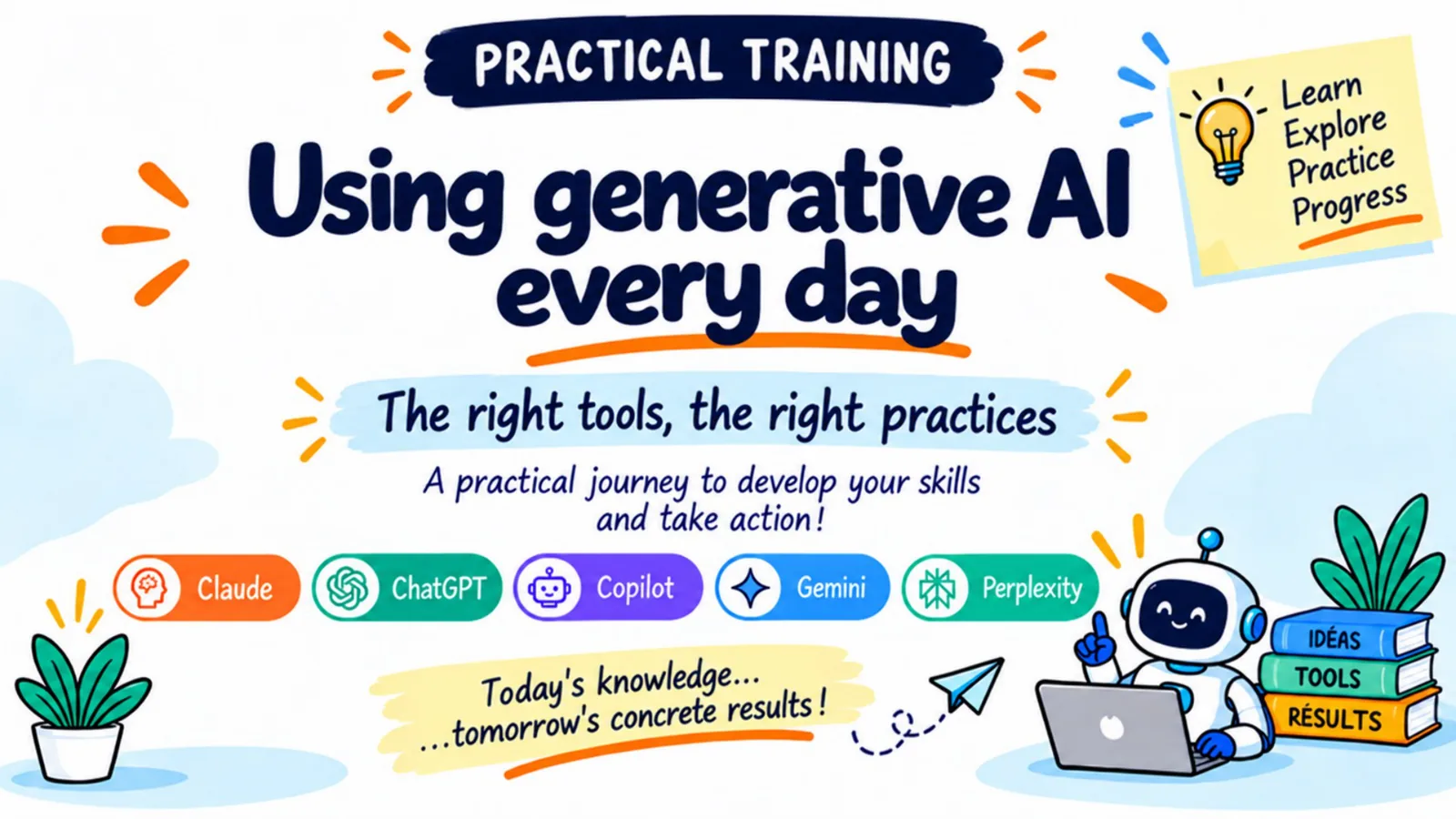
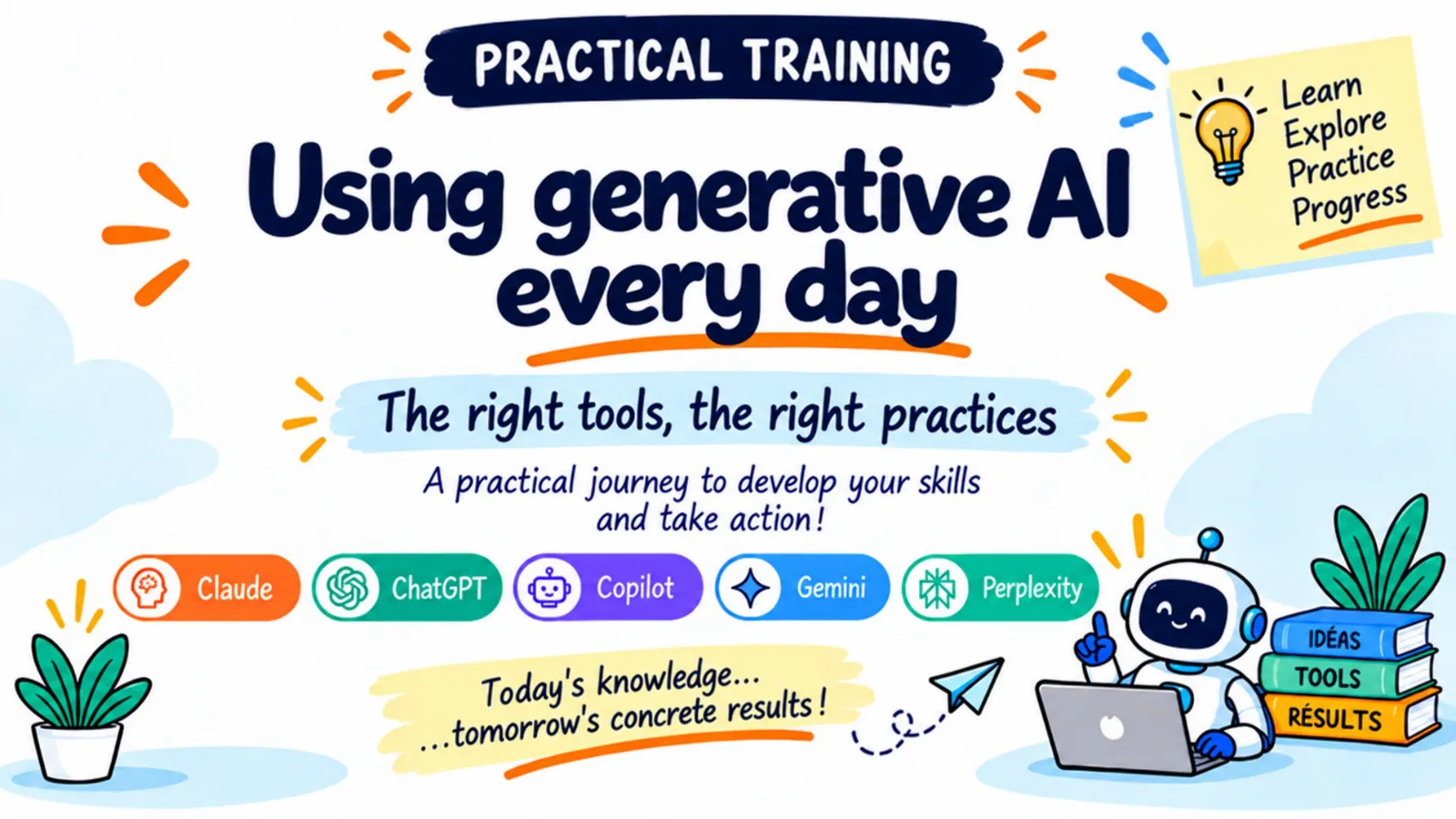
Practical training
Using generative AI
every day
The right tools, the right practices
A practical journey to develop your skills and take action!
- Claude
- ChatGPT
- Copilot
- Gemini
- Perplexity
- levels
- 5
- levels
- sections
- 13
- sections
- AI tools
- 5
- AI tools
- French & English
- FR · EN
- French & English
Practical training
5 levels, step by step
Each level is covered with Claude, ChatGPT, Copilot, Gemini and Perplexity.
Level 1
To get started
- Are you new to AI?
- No prior experience required.
- Discover the journey, the tools, and the first best practices.
Level 2
Choosing your AI
- Which AI best fits your needs?
- Compare features, plans, and pricing.
- Choose based on your task, data, and budget.
Level 3
Customize your AI
- More effective prompts, better retained context.
- Instructions, memory, projects and skills.
- Configure AI to work according to your needs.
Level 4
Automate your AI
- Plan tasks to move your work forward.
- Automate repetitive actions at the right time.
- Receive useful results without having to prompt AI again.
Level 5
Extend your AI
- Connect applications and useful data.
- Give AI the tools it needs for its task.
- Route the request to the right AI to optimize outcomes.
The program
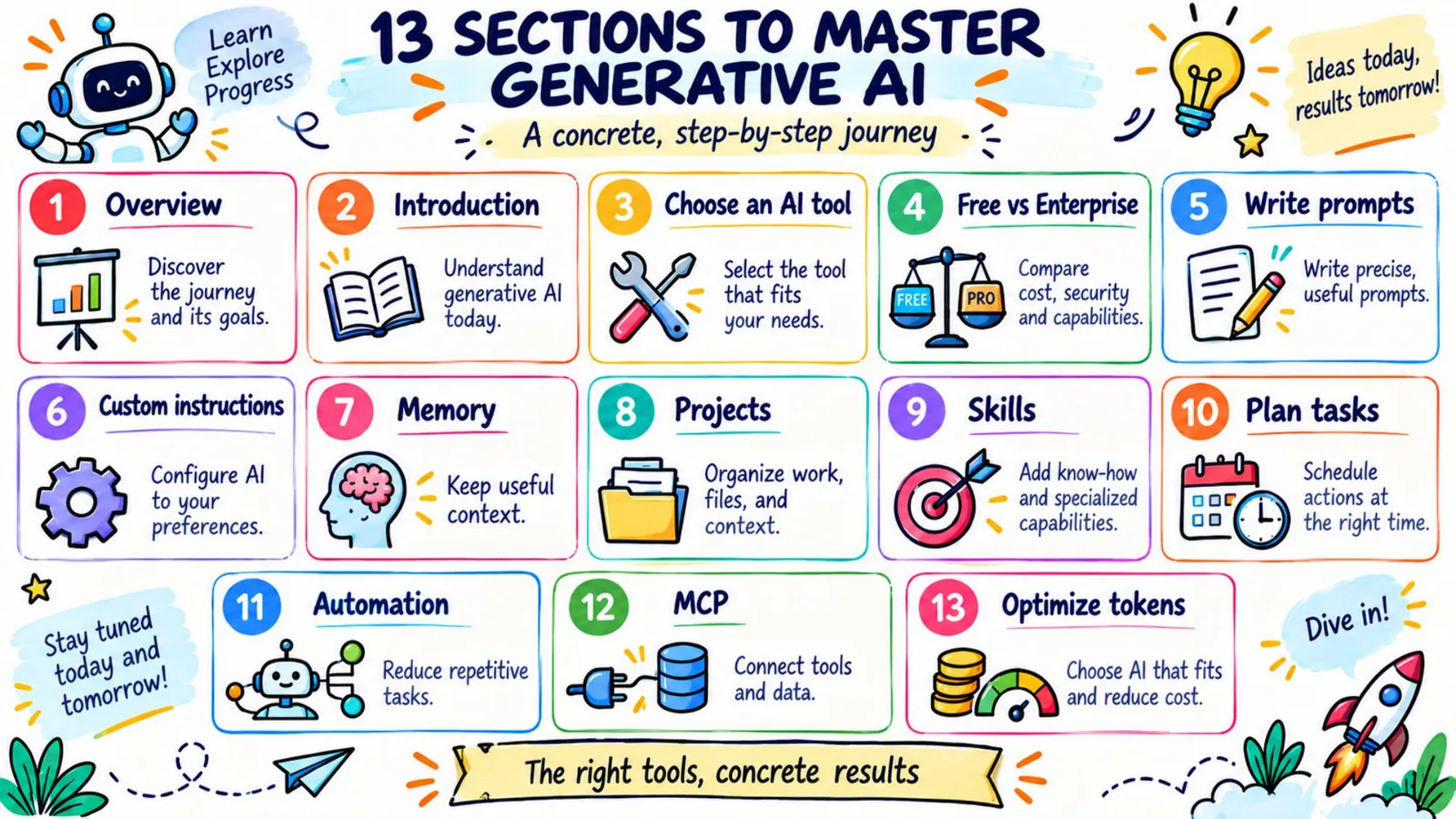
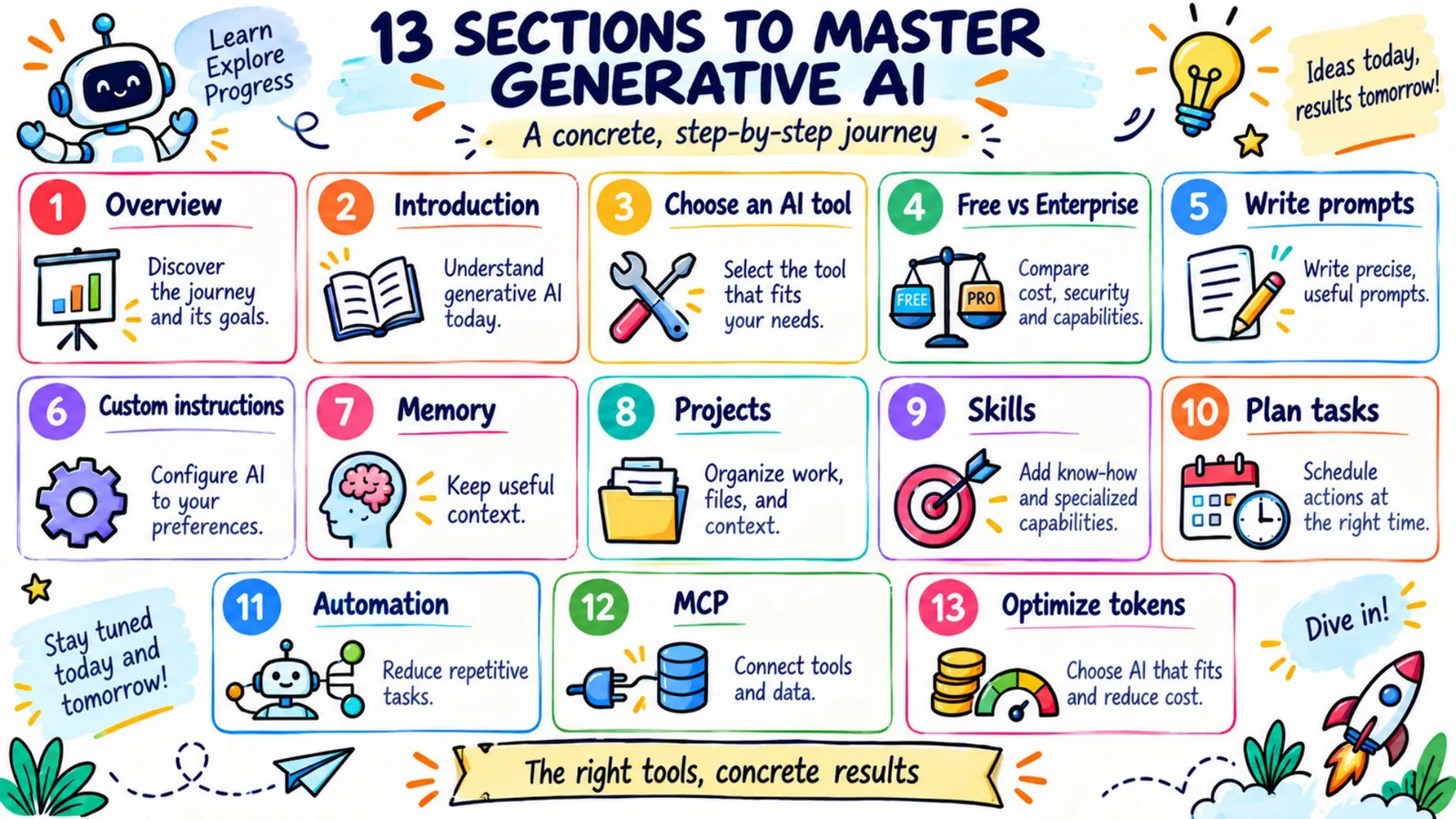
13 sections to master generative AI
A concrete, step-by-step journey
1. Overview
Discover the journey and its goals.
2. Introduction
Understand generative AI today.
3. Choose an AI tool
Select the tool that fits your needs.
4. Free vs Enterprise
Compare cost, security and capabilities.
5. Write prompts
Write precise, useful prompts.
6. Custom instructions
Configure AI to your preferences.
7. Memory
Keep useful context.
8. Projects
Organize work, files, and context.
9. Skills
Add know-how and specialized capabilities.
10. Plan tasks
Schedule actions at the right time.
11. Automation
Reduce repetitive tasks.
12. MCP
Connect tools and data.
13. Optimize tokens
Choose AI that fits and reduce cost.
The right tools, concrete results
A look inside
Slides from the training
Every section is illustrated with practical slides, available in French and English.
Using generative AI every day
13 sections to master generative AI
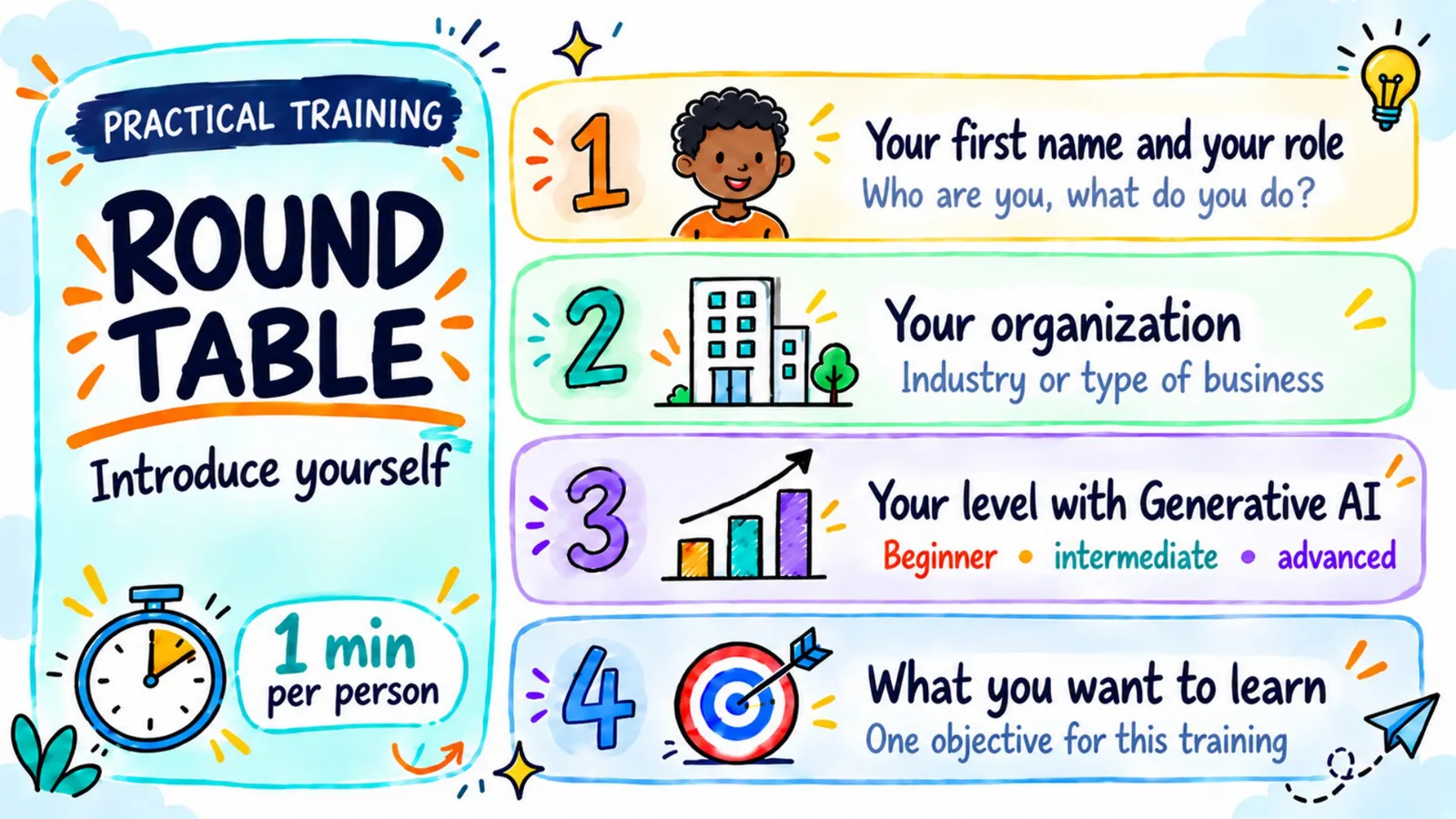
Round table: introduce yourself
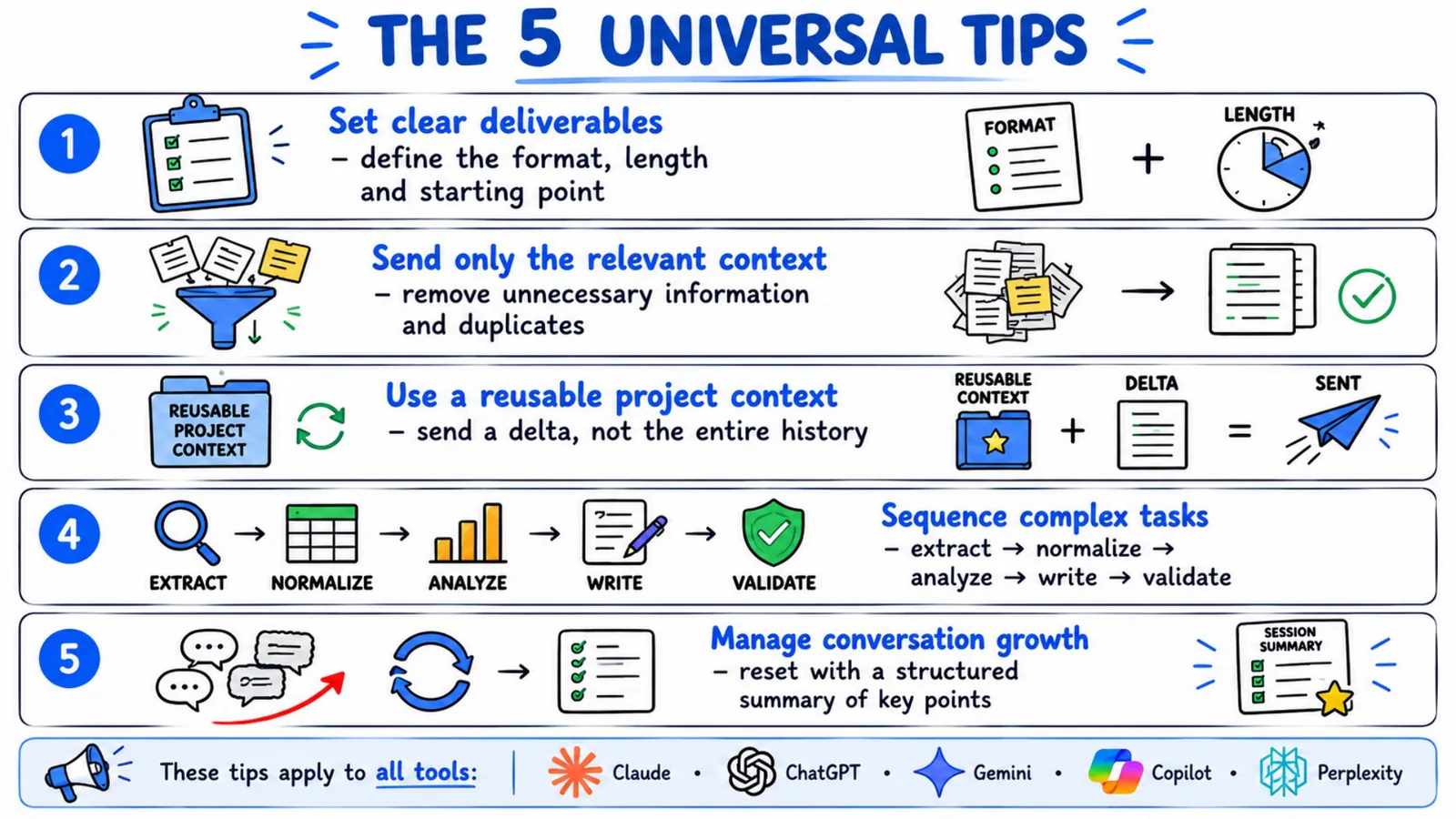
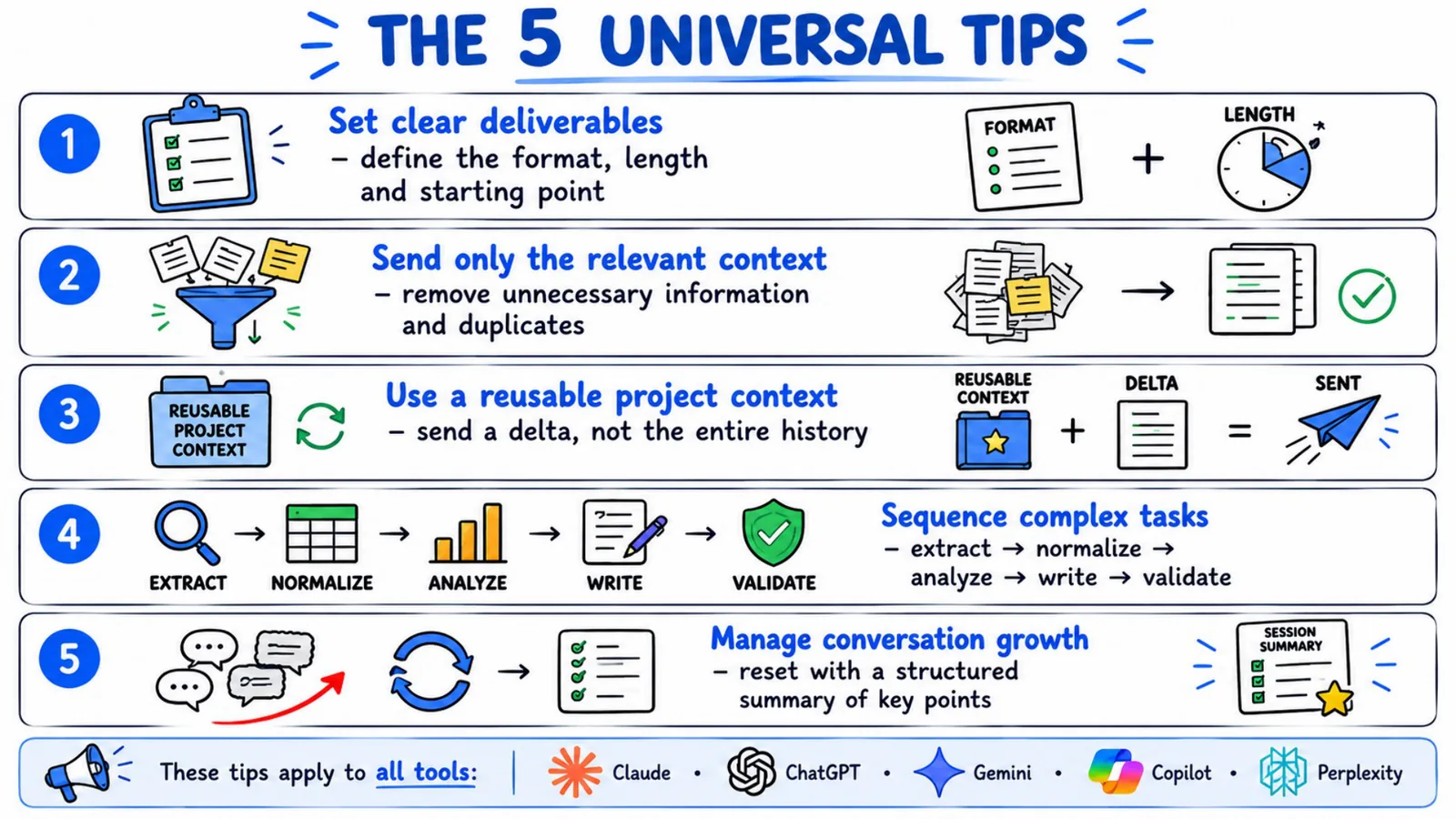
The 5 universal tips
“Today’s knowledge... tomorrow’s concrete results!”
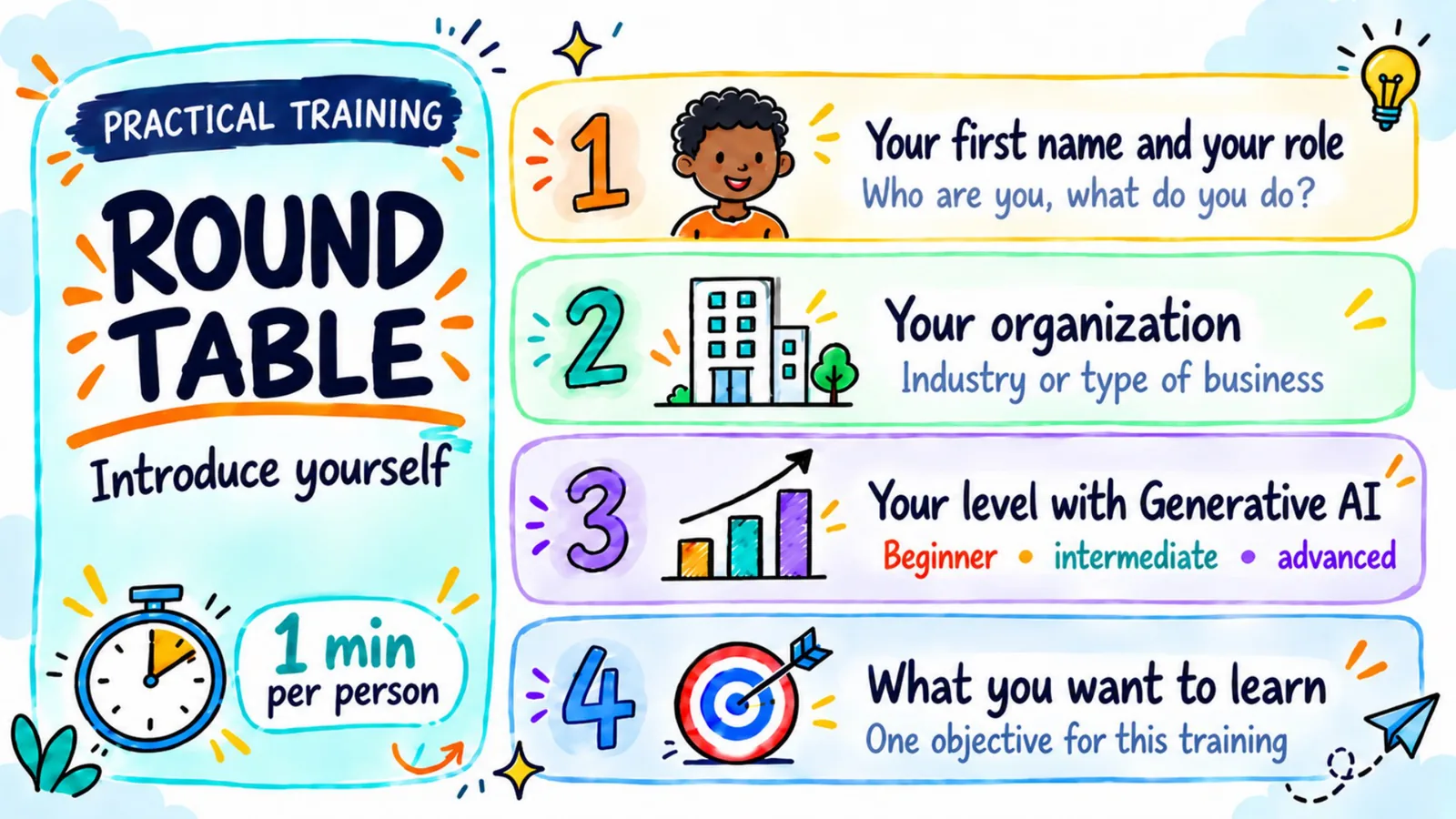
Round table
Introduce yourself
The training starts with a round table, 1 minute per person. The form below asks the same questions so we can prepare your session.
Your first name and your role
Who are you, what do you do?
Your organization
Industry or type of business
Your level with generative AI
Beginner · intermediate · advanced
What you want to learn
One objective for this training
Contact
Enroll or ask us a question
Fill in the form and the DigitAll MQ team will get back to you.